
Experience
More thana screen.
Queue, visitors’ phones, advertising, reports and the control app work together with the layouts.
Queue management
Tickets and calls on the screen.
Visitors take a ticket, and the screens in the room show who is called and where. The queue sits next to the scenes, so people keep watching the layout while they wait.
- Ticket numbers and counters on the screen
- Shown next to the scenes of a layout
The numbers are an example.
- A 043Counter 1
- A 044Counter 3
Share and Chat
The visitor’s side of noviera.
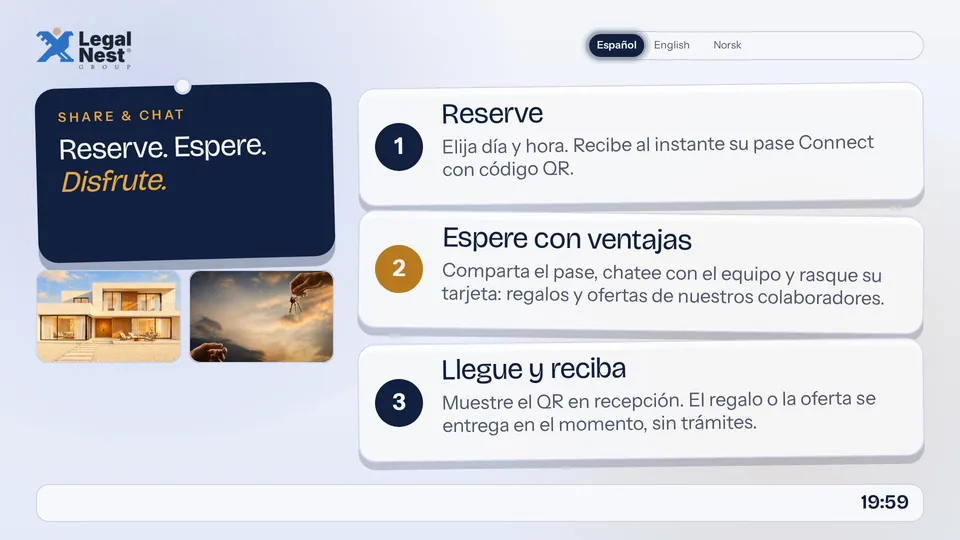
Visitors scan a QR code with their phone and take part in the visit. Share and Chat is there for the visit only. It is not a general messaging app.
- Starts with a QR code scan
- Lasts while the visitor is on the premises
Advertising
Offers inside the layout.
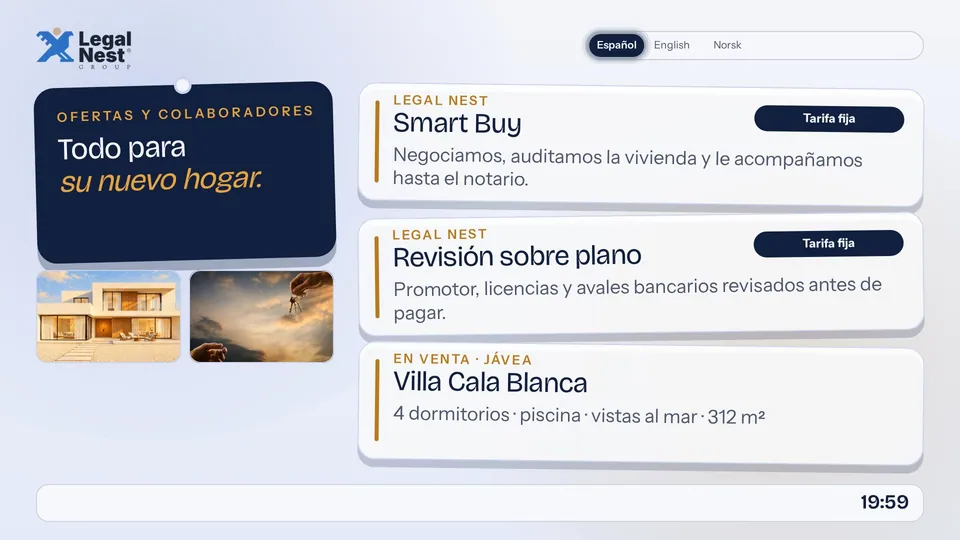
Place offers and partner messages inside a layout and decide when they appear.
- Offers and partner messages
- Placed on a schedule
Playback reports
See what played.
Reports show what played, on which screen and when.
- What played
- Where and when
Illustration with example bars. These are not real figures.
Control app
Your screens, in your pocket.
The control app lets you look after your screens from your phone.
- See your screens
- Look after them from anywhere
Illustration with example screens.
- Screen 1
- Screen 2
- Screen 3
The editor
Change a scene in seconds.
Pick a scene, touch the part you want to change, and publish. Nothing else moves.
- 1Choose a sceneEvery scene of the layout sits in the rail.
- 2Touch what you seeEdit text and pictures right on the stage.
- 3PublishThe screens pick it up.
See it for yourself.
One Canada Square, London E14 5AA. Write or call, and we will agree a time.